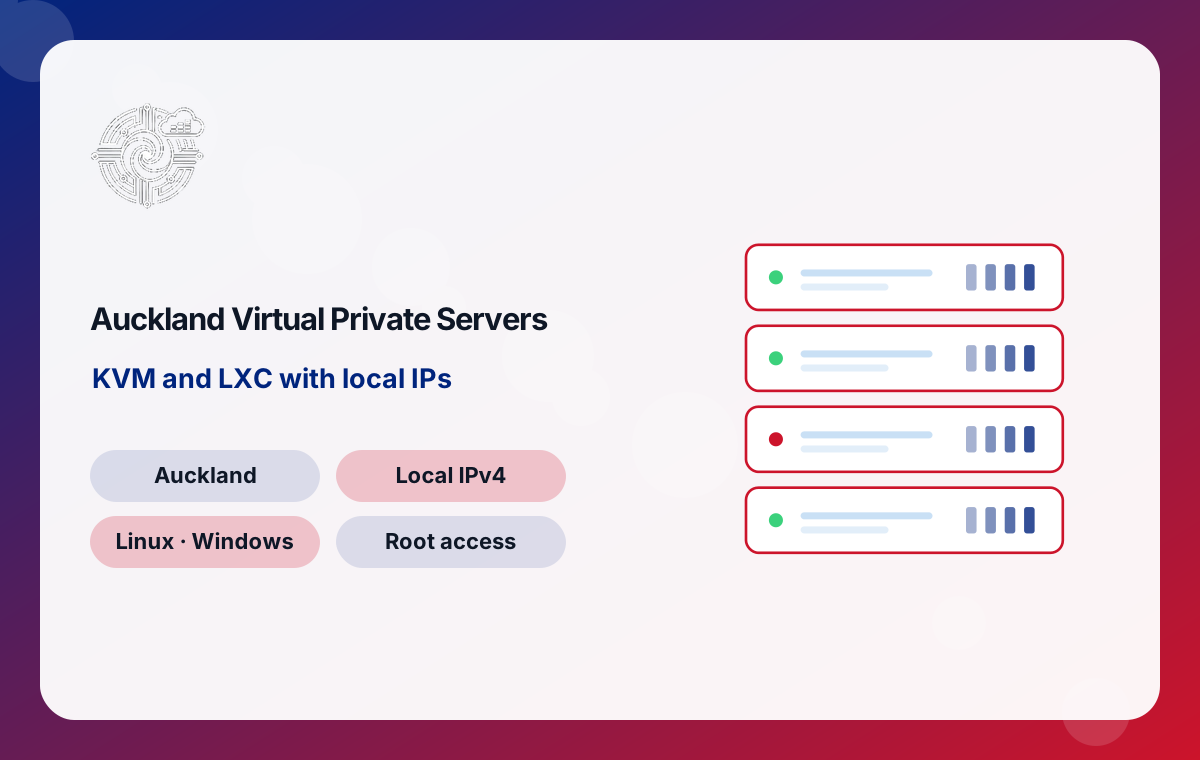
KVM or LXC: Choosing a Virtualisation Type in New Zealand
The first decision when ordering an Auckland VPS is the virtualisation type. Both options give you dedicated resources and root access, but they work differently underneath.
KVM full virtualisation
KVM creates a complete virtual machine with its own kernel and virtual hardware. Your operating system has no idea it is sharing a host, which means you can install Windows, run any Linux distribution, use custom kernels, and load modules needed by WireGuard, Docker with specific storage drivers, or security tools. If you plan to run Windows, or software that expects full control of the kernel, KVM is the right choice.
LXC system containers
LXC runs your Linux system in an isolated container on the host kernel. There is no second kernel to boot, so overhead is lower and more of your plan's memory goes to your applications. LXC suits Nginx or Apache web stacks, PHP and Node.js apps, mail relays and small databases. The trade-off is that you cannot change the kernel or run Windows.
If you are unsure, choose KVM. It handles everything LXC can, plus the edge cases.
Sizing an Auckland VPS for Your Workload
Picking the right plan saves money and avoids performance surprises. Use these rough starting points and adjust as you measure real usage:
- 2 cores, 2 GB RAM, 30 GB (US$21.21): a VPN endpoint, a static or lightly visited website, a monitoring agent or a small bot.
- 2 to 4 cores, 4 to 8 GB RAM: several WordPress sites, a small WooCommerce shop, a Git server or a staging environment for an agency.
- 6 to 10 cores, 10 to 14 GB RAM: busy online stores, application servers with a local database, or a Windows server running business software for a team.
- 16 to 24 cores, 16 to 32 GB RAM, up to 400 GB (up to US$211.09): game servers with many players, large databases, CI runners or multi-tenant platforms.
Memory is usually the first limit you hit. Databases, Windows and Java applications are memory hungry, so if you expect to run any of them, lean towards the plan with more RAM even if CPU looks sufficient. Storage needs grow quietly through logs, backups and uploads, so leave headroom of at least a third.
The Six New Zealand VPS Plans Explained
The plan table on this page lists six New Zealand VPS options, beginning at US$21.21 a month and finishing at US$211.09 a month. Across the range, cores scale from 2 to 24, memory from 2 GB to 32 GB, and storage from 30 GB to 400 GB of NVMe or SSD. Traffic allowances start at 200 GB a month and reach unlimited on the larger plans, always over a 1 Gbps shared port.
Each step up adds a balanced amount of CPU, RAM and disk, so you rarely need to jump more than one or two plans when your project grows. Prices are shown in US dollars and billed monthly. When comparing, look at the total resources you need over the next year rather than today alone; moving up a plan is straightforward, but choosing a size with room to grow means fewer changes later.
Operating Systems for a Kiwi VPS: Linux and Windows
On KVM you can run either Linux or Windows. On LXC, your server runs Linux. Which you pick depends on the software you plan to use.
Linux distributions
Linux is the natural home for web servers, databases, containers and most open-source tools. Debian and Ubuntu are popular for their large package libraries and long support windows, while AlmaLinux and Rocky Linux suit those who prefer the Red Hat family and control panels built around it. Choose a long-term support release so security updates continue for years without forced upgrades.
Windows
Windows on a KVM VPS is the right choice for .NET applications, MSSQL, desktop accounting software or anything that only exists for Windows. Windows needs more memory than Linux for the same job, so plan for at least 4 GB RAM. If what you really want is a ready Windows desktop reached over remote desktop, compare our New Zealand RDP servers, which are built specifically for that use.
Latency from Auckland to Australia, the Pacific and Beyond
Physical distance sets a floor on how fast data can travel, and New Zealand's position makes that floor unusually important. A server in Auckland is reached by domestic users over the national network without leaving the country, which gives the best possible response for Kiwi visitors.
For users outside New Zealand, Auckland is also well placed. The Southern Cross and Hawaiki submarine cables land near Auckland and carry traffic across the Tasman towards Australia and across the Pacific towards North America. Pacific island nations frequently route through Auckland as their nearest major hub, so a server here can serve a regional audience effectively.
When to host elsewhere
If most of your visitors are in Europe or Asia, an Auckland VPS is not the obvious choice for them. In that case you might keep a New Zealand server for local customers and a second server closer to the overseas audience, with DNS or a load balancer directing each visitor appropriately.
Hardening Your New Zealand VPS After Deployment
A VPS gives you full control, which also makes you responsible for securing it. These steps cover the essentials for a new Auckland server:
- Update immediately. Apply all pending operating system updates before installing anything else, and enable automatic security updates where your distribution supports them.
- Use SSH keys. Create a key pair, add the public key to the server, then disable password logins and direct root login in the SSH configuration.
- Create a normal user. Work as an unprivileged account and use sudo for administrative tasks.
- Turn on a firewall. Allow only the ports you actually use, such as 22, 80 and 443, with nftables, UFW or firewalld. On Windows, restrict remote desktop to known IP addresses where possible.
- Add brute-force protection. Tools such as Fail2ban block addresses that repeatedly fail to log in.
- Plan backups. Copy important data off the server on a schedule, and test a restore before you need it.
Revisit these settings whenever you add a new service, since each new open port is another door to manage.
Popular Uses for a Virtual Server in Auckland
Because a VPS combines root access with dedicated resources, New Zealand customers use it for a wide variety of projects:
- Business websites and online shops serving Kiwi customers with fast local page loads.
- VPN endpoints giving remote staff or travellers a stable New Zealand IP address.
- Game servers for communities across the North and South Islands that want low delay.
- Email servers and relays for organisations that prefer to keep mail onshore.
- Development and staging environments that mirror production for local agencies.
- APIs and mobile app backends where response time affects how responsive the app feels.
- Monitoring and automation tools that check New Zealand services from inside the country.
Many customers start with one of these and later add a second VPS to separate roles, for example keeping the database apart from the web server.
Growing Your Auckland Server as Demand Rises
Projects rarely stay the same size. When your VPS starts to run short of resources, you have two broad options.
Scaling up
Moving to a larger plan adds cores, memory, storage and traffic to the same server. This is the simplest path and works well for most websites and applications. Watch CPU load, memory use and disk space so you can upgrade before users notice a slowdown, not after.
Scaling out
For larger systems, spreading roles across several servers improves resilience and makes each part easier to tune. A common pattern is one VPS for the web front end, another for the database, and a third for background jobs or caching. Separate servers also let you restart one component without taking everything offline.
When even the largest plan of 24 cores and 32 GB RAM is not enough, or you need a full machine with a secondary private network interface, an Auckland dedicated server is the next step.
Moving an Existing Site onto a New Zealand VPS
Bringing a website or application home from an overseas host is usually straightforward with some planning:
- Lower DNS TTL. A day before moving, reduce the time-to-live on your DNS records so the switch spreads quickly.
- Build the new server. Install the same web server, PHP or runtime versions and database engine you use today, or a control panel that mirrors your old setup.
- Copy files and data. Transfer site files with rsync or SFTP, then export and import the database.
- Test before switching. Edit your local hosts file to point the domain at the new Auckland IP and check every important page and form.
- Switch DNS. Update the A record to the new IP, then run a final sync of any data that changed during the move.
- Keep the old host briefly. Leave it running for a few days in case something was missed.
For sites with frequent orders or posts, schedule the final sync at a quiet time so nothing is lost between the two servers.
Bandwidth, Traffic Allowances and the Shared Port
Every New Zealand VPS connects to a 1 Gbps shared network. Shared means the uplink capacity is shared across servers on the host, while your CPU, memory and storage remain dedicated to you. For typical websites, APIs and remote access tools, a 1 Gbps port provides far more burst capacity than most workloads use.
Monthly traffic allowances depend on the plan, ranging from 200 GB on smaller plans up to unlimited on larger ones. To estimate what you need, multiply your average page weight by expected monthly page views, then add room for backups leaving the server, software updates and any downloads you offer. Media-heavy sites, game servers and VPN endpoints use considerably more traffic than text-based sites, so pick a plan with a generous or unlimited allowance for those.